So far we've been talking about skills and CLAUDE.md, but we haven't talked about Claude's automatic memory function. This shipped relatively recently at the time of recording, and what it does is allow Claude to steer itself over time.
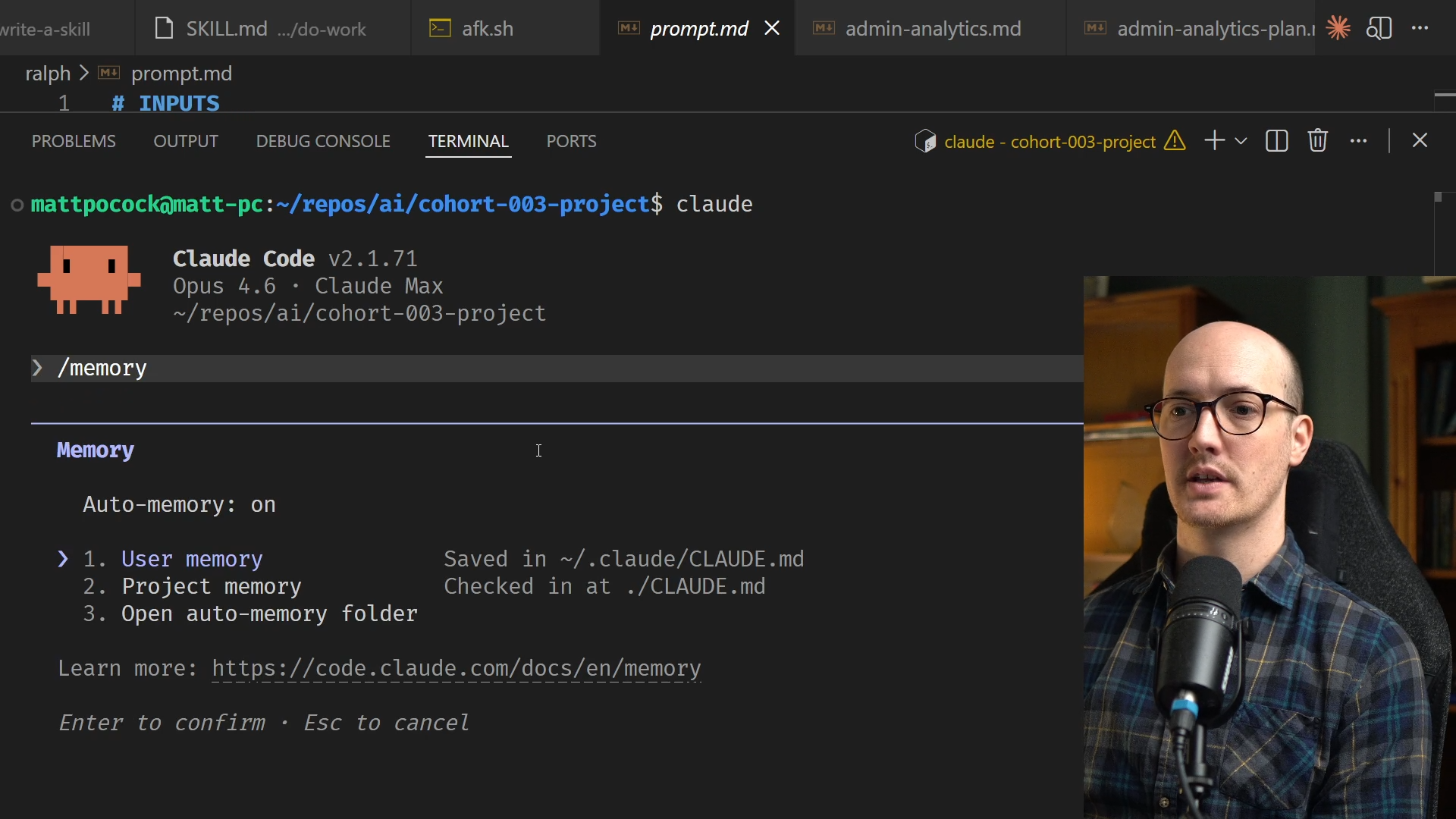
We can discover this file by going into Claude Code and running a fresh instance, then using the /memory command.
/memory
When you press return on this, you can see that there are actually three types of memory:
<TableWrapper>
| Memory Type | Description |
|---|---|
| User memory | Your user CLAUDE.md |
| Project memory | Checked in locally at CLAUDE.md |
| OpenAutoMemory | Generated automatically by Claude |
| </TableWrapper> |
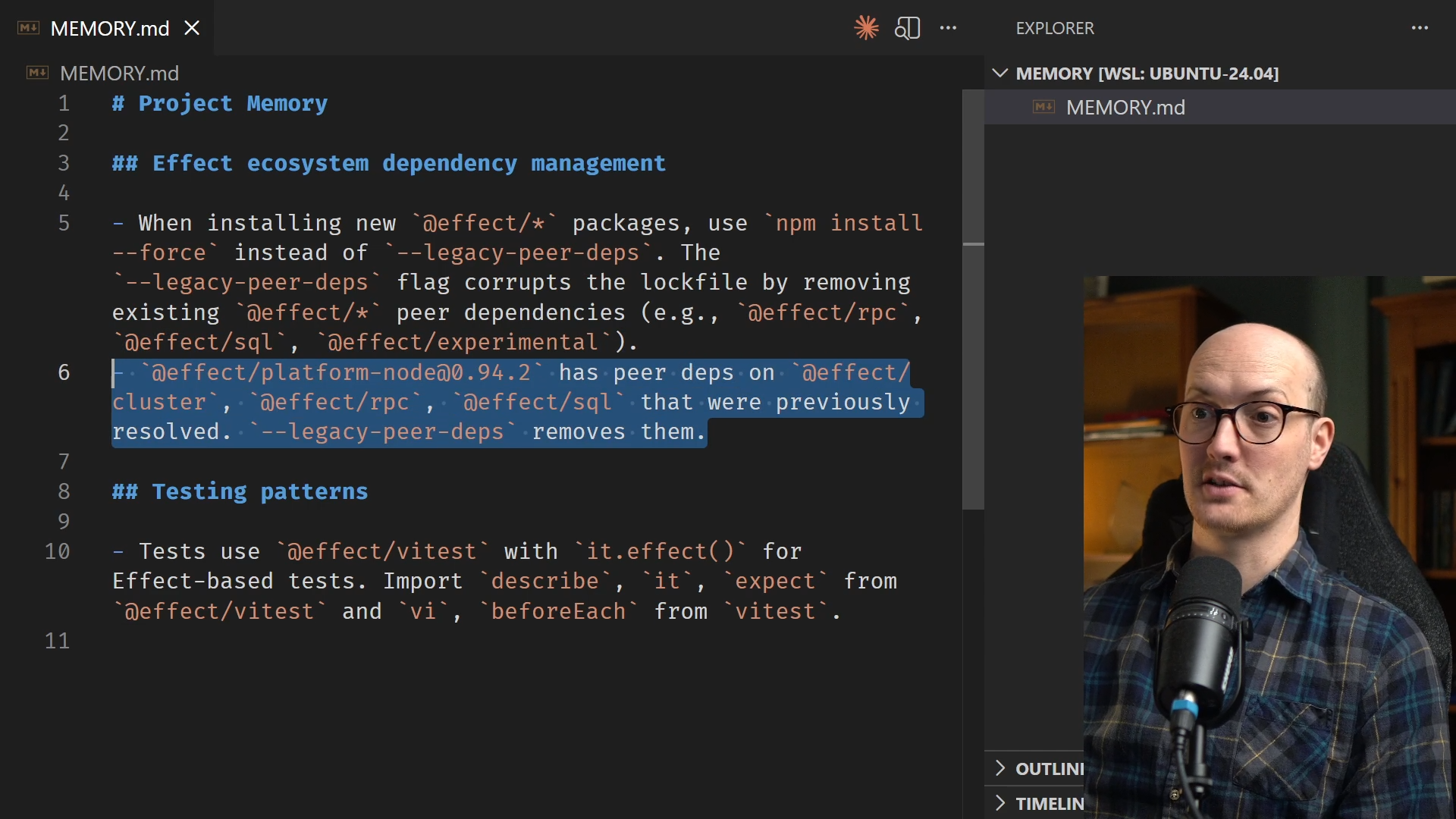
When you open the memory folder in VS Code, you might find it empty on some projects. However, on projects where Claude Code has been working more extensively, it will surface a MEMORY.md file.
Here's what Claude might write for me in that file, on a longer-running project:
# Project Memory

## Effect ecosystem dependency management

- When installing new `@effect/*` packages, use `npm install --force` instead of `--legacy-peer-deps`. The `--legacy-peer-deps` flag corrupts the lockfile by removing existing `@effect/*` peer dependencies (e.g., `@effect/rpc`, `@effect/sql`, `@effect/experimental`).

## Testing patterns

- Tests use `@effect/vitest` with `it.effect()` for Effect-based tests.
- DB tests use PGlite with drizzle-kit/api `pushSchema` for schema setup.
This file gets put into the context alongside your CLAUDE.md file automatically.
This is still relatively new, so take a cautious approach. You should probably check on this file every so often just to make sure it's not adding weird cruft.
For instance, in the example above, the hint about v.mock is hoisted might not be necessary. Your LLM can probably figure that out on its own. Similarly, if pushSchema has already been deprecated in your repo, you want to get rid of that reference. In the video above, I delete several unused elements: