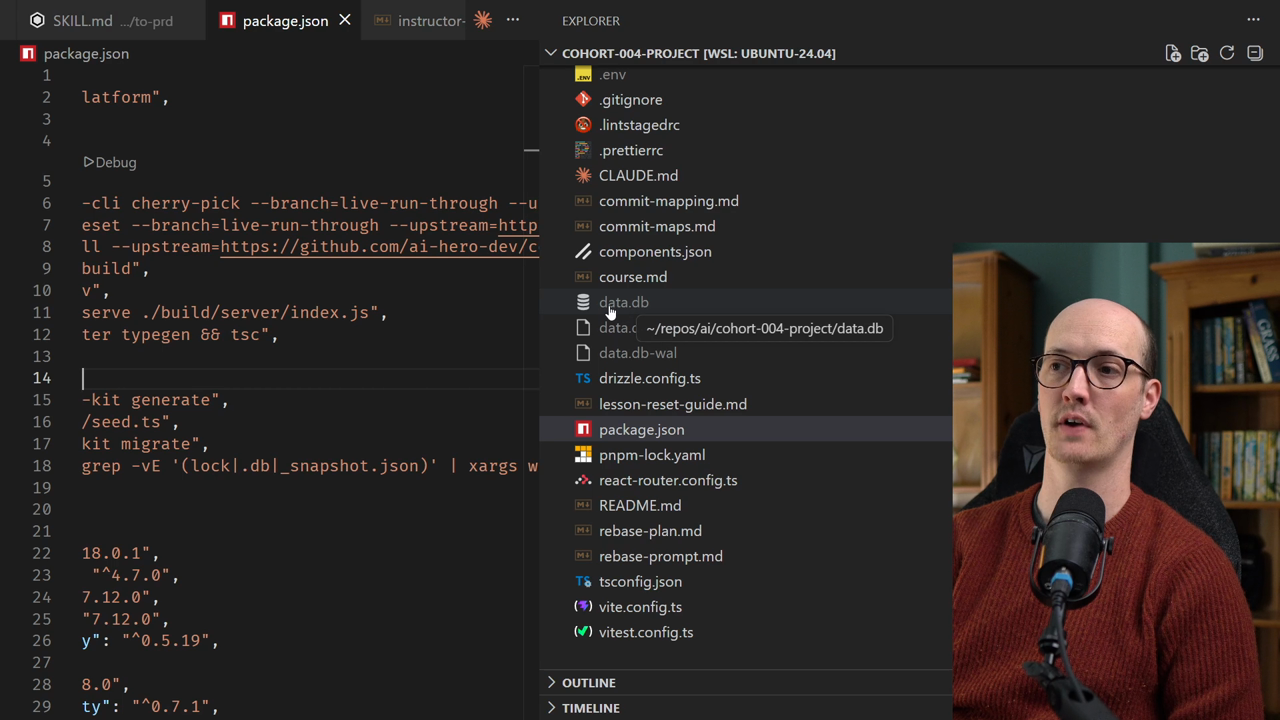
When you're working with databases for the first time, the process of managing changes can feel overwhelming. But understanding how databases, schemas, and migrations work together is crucial to building real applications.
In this lesson, you'll learn how to manage database changes using a three-step process: define your schema, generate migrations, and apply those migrations to your database.
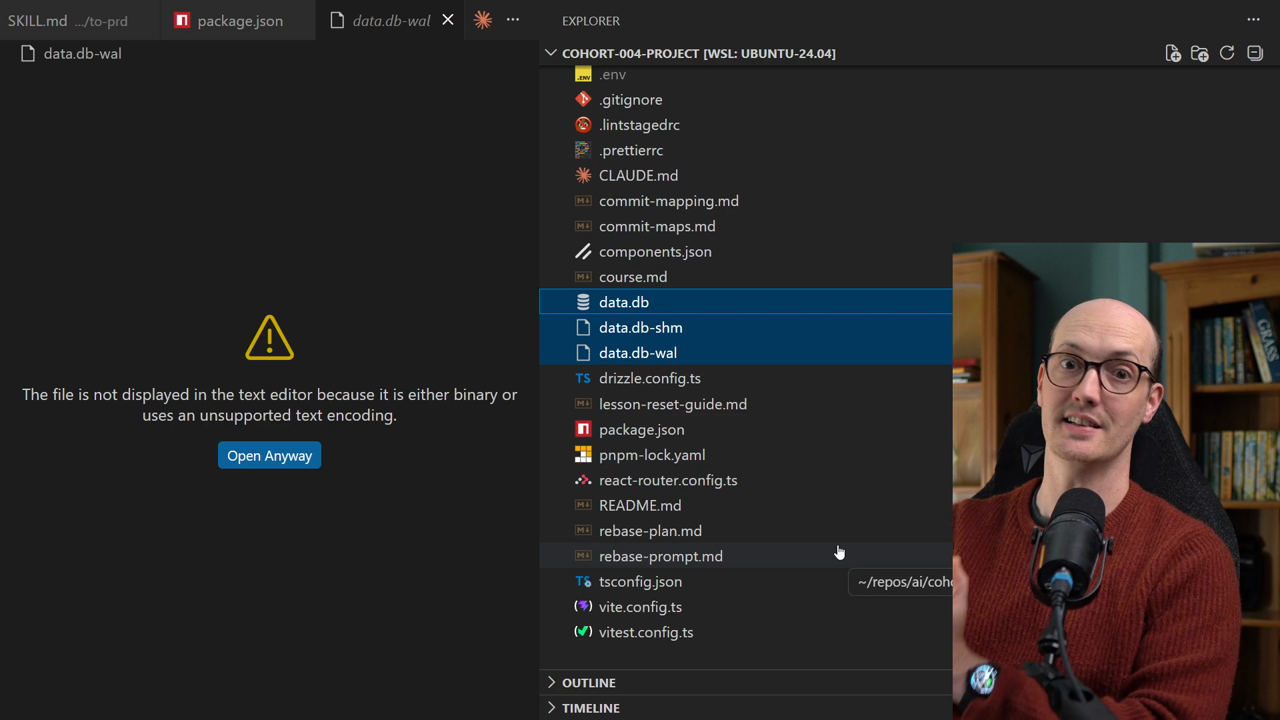
When you run the seed script, SQLite creates files on your file system that represent your entire database. Unlike databases like Postgres that run on remote servers, SQLite lets you see and even delete these files directly.
If you ever need to reset your database completely, you can simply delete the data.db file and re-run the seed script.
Managing database changes follows this pattern:
schema.tspnpm db:generate to create migration filespnpm db:migrate to apply those migrations to your databaseThis process keeps your database synchronized with your code.
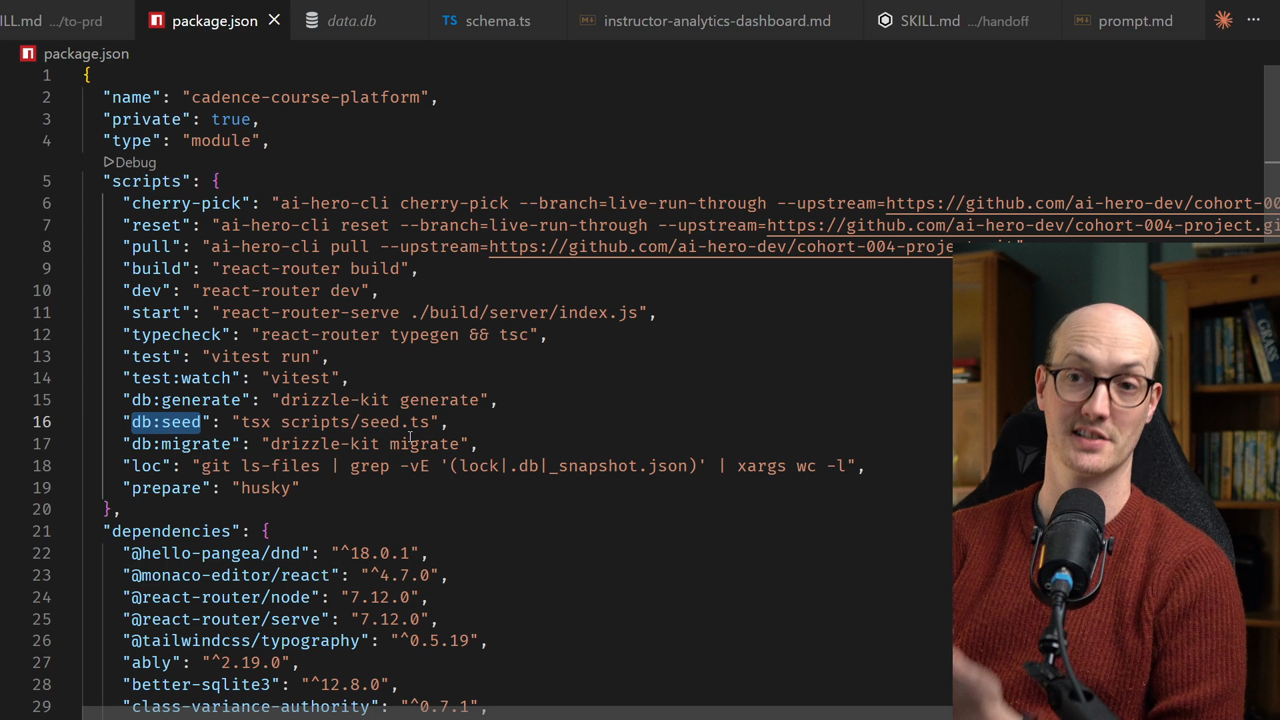
package.json file and locate the db scriptsLook for scripts like db:seed, db:generate, and db:migrate. These are the tools you'll use to manage your database.
data.db file from your project