How To Tackle Massive Tasks.mp4
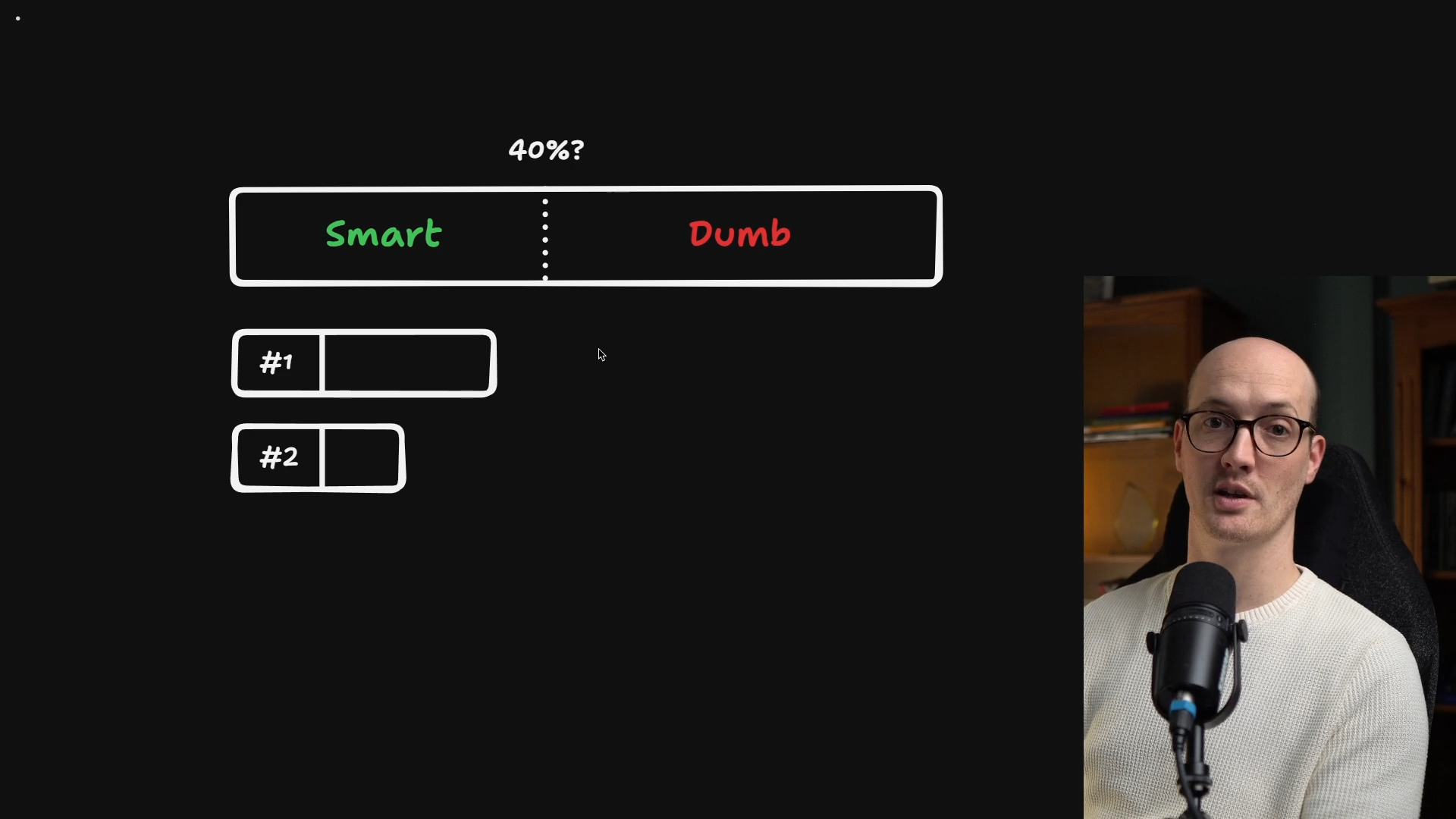
By this point in the course, you've hopefully absorbed my context window paranoia. I'm constantly thinking about context, constantly thinking about the smart and dumb zones.
With current LLM capabilities, the best approach is staying within the early part of the context window. This works great for some tasks:
Small features and bug fixes fit comfortably into a single context window. But what happens when you try to do something much larger?
Consider a task that bursts its way into the dumb zone, like a major refactor. Or something where it's obvious that you won't be able to fit it into even a context window, let alone the smart part of the context window - like #4 below:
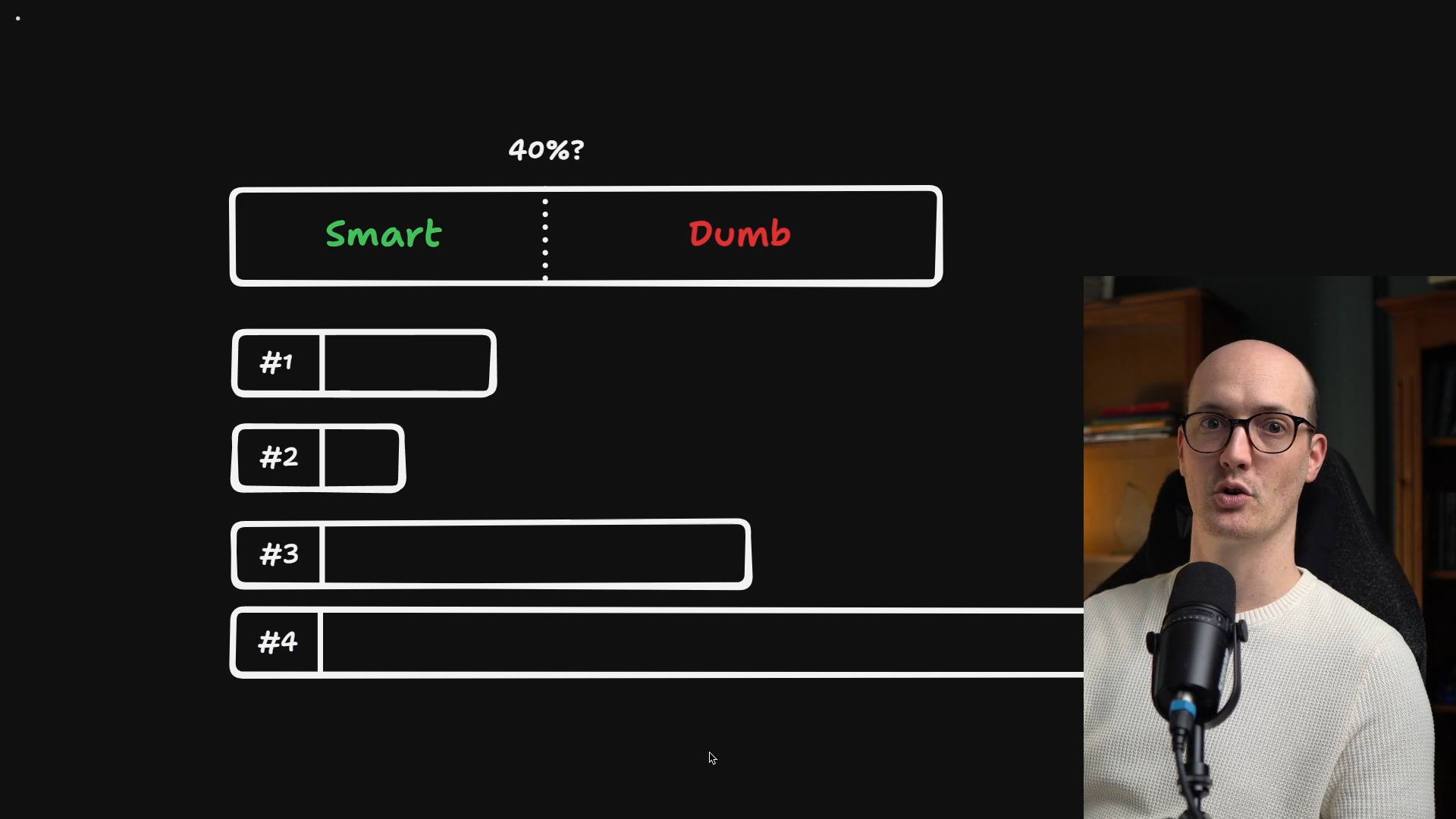
What do you do when you're faced with a task that's just too big?
The answer is the way developers have been doing it for decades: you take the big task and break it down into small tasks. That way, all of the work for this big task happens in the smart zone of the context.
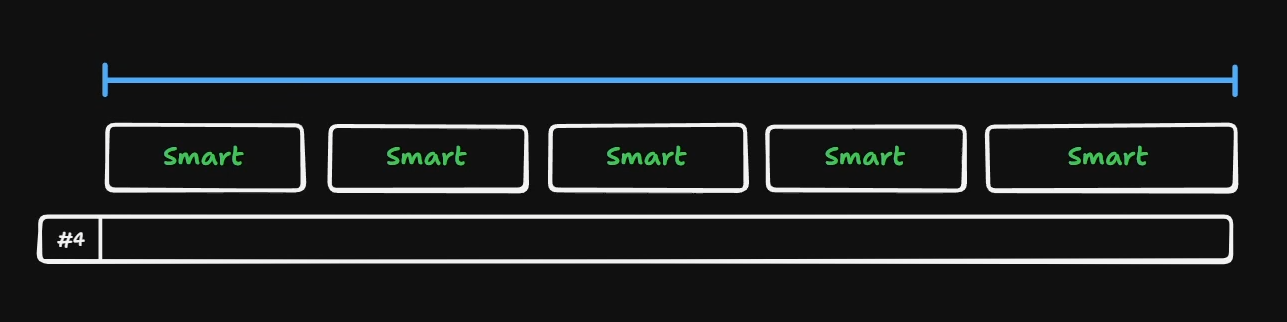
But here's the question: what kind of planning do you need to do to get this to work?
So far, our plans have only been the duration of a single context window. We haven't considered what it might look like to have documents spanning multiple context windows.
Fortunately, the community has coalesced around a common set of patterns. Specifically, two documents in particular.
The first document you need is a description of the destination, the place you're heading.
If you don't know where you're heading, how on earth are you going to complete the task?