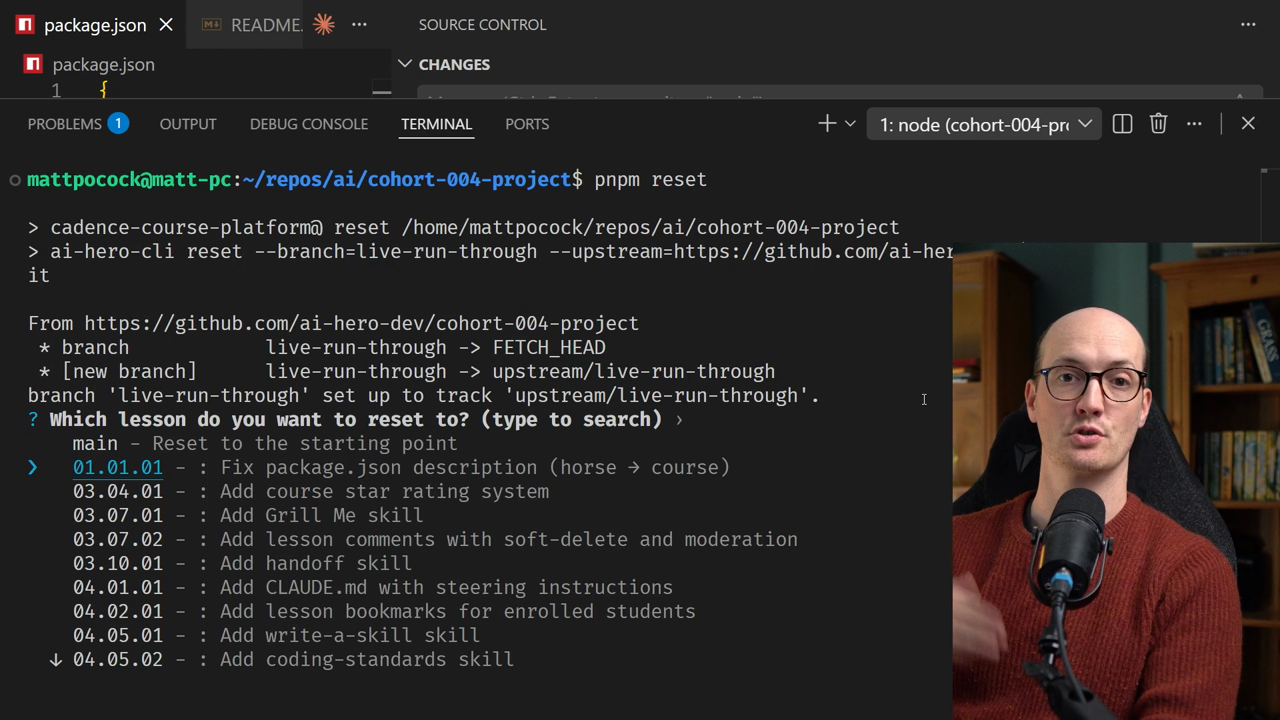
This course is structured into interactive exercises that all happen in the playground. To run these exercises yourself, you need to get your repo into the same state as when the exercises were recorded.
There's a simple, easy-to-use tool to get your repo into the correct state.
pnpm reset CommandThe way this works is by running pnpm reset in the playground. This gives you a bunch of commits to choose from across the entire course history.
You can reset to:
Navigate through the list by pressing the up and down arrow keys. You can also search by name (like searching for "grill me" to find the grill me skill section) or by number (like "04.05.01").
Let's walk through a demo. We're going to reset to checkpoint 01.01.01.
Notice we're currently on the main branch. Inside the package.json file, there's a description saying it's an "awesome horse platform" – but that doesn't seem right. This is a course platform, not a horse platform.
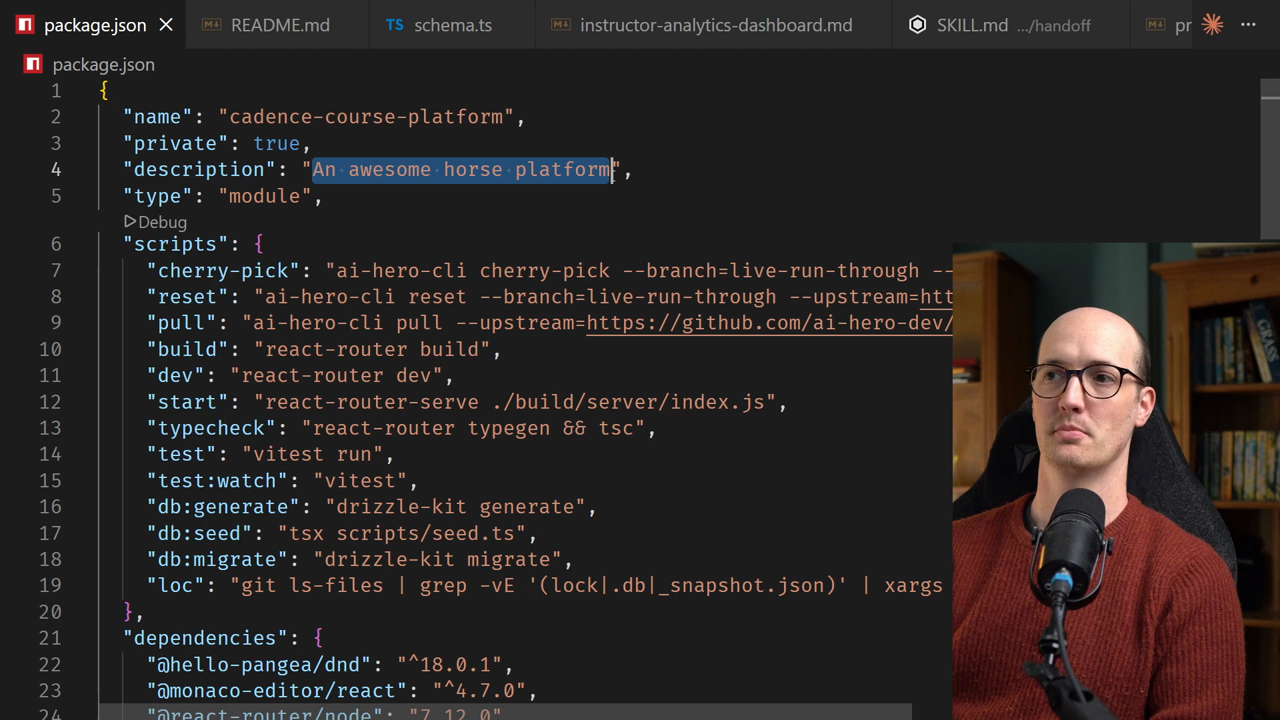
We can use pnpm reset to jump to the point where that package.json description was fixed. When we select it, we get a message: "You cannot reset the main branch." We're not on the correct branch, so it gives us the option to choose a new branch name.
Let's call this branch dev – this is going to be our working branch throughout the course.
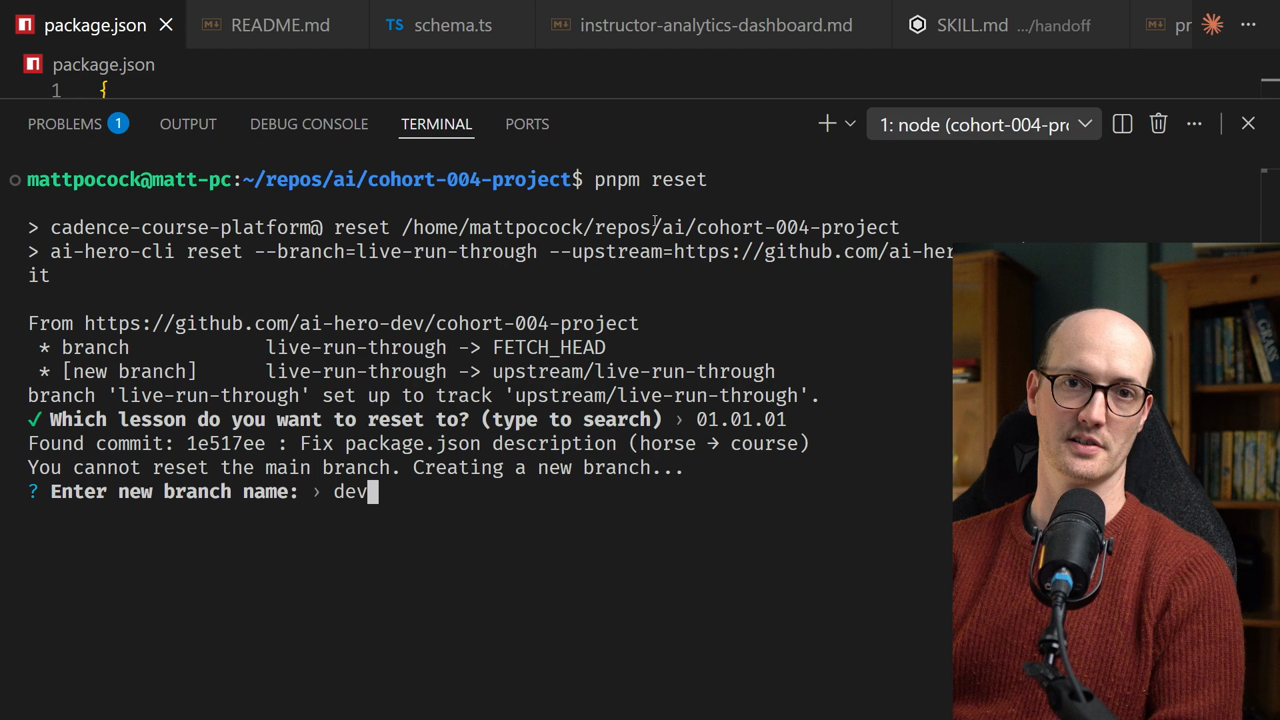
When we select this option, a new branch dev is created and we're switched to the version of the course where it says "awesome course platform" instead of "awesome horse platform."
Two things happened: