Claude Code becomes much more powerful when you can execute bash commands and give it feedback. Instead of just writing code, Claude can run tests, check files, and respond to real output from your project.
There are three ergonomic ways to interact with bash while Claude Code is running. Each one serves a different purpose, and knowing when to use each will make your workflow much smoother.
! prefixType ! followed by your command. For example:
! npm run typecheck
Claude executes the command immediately. The output appears in the terminal and is automatically incorporated into Claude's context.
If there are errors, Claude can analyze them and suggest fixes. This is perfect for quick checks: running tests, checking file contents, or verifying your setup.
Type the command without any prefix:
npm run dev
The process starts and begins outputting to the terminal.
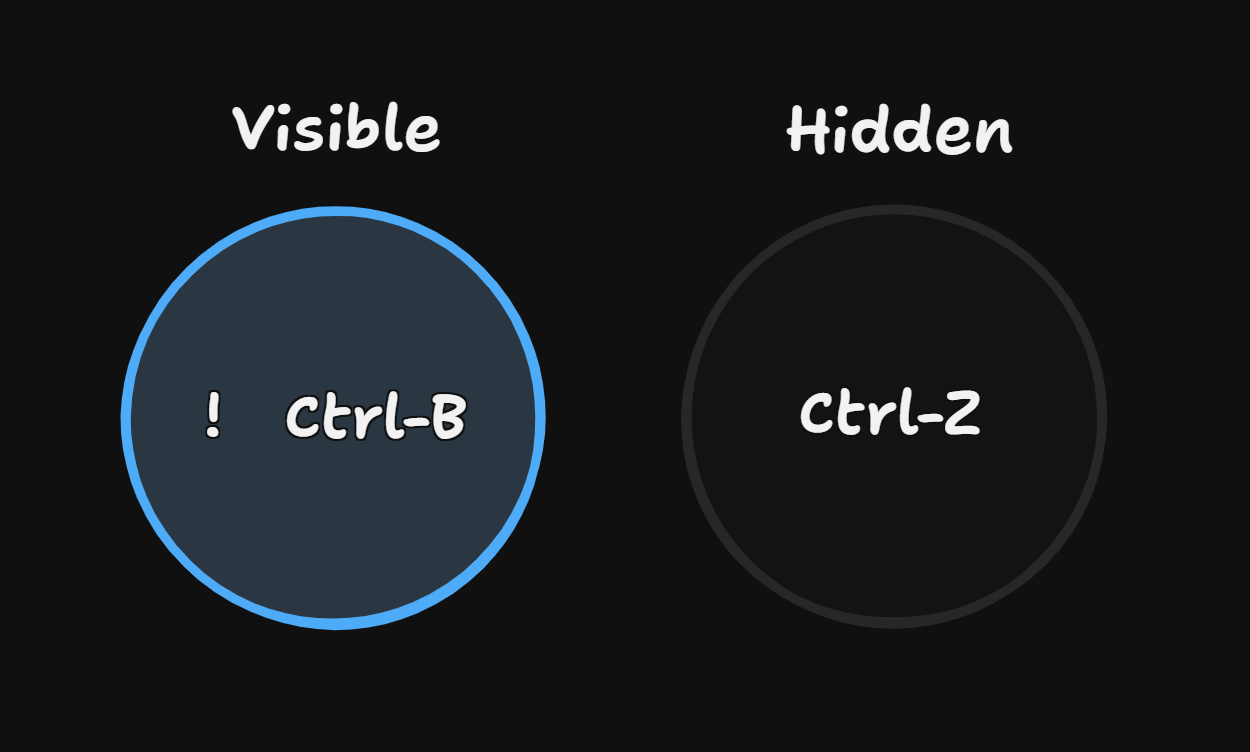
Ctrl+B to background the processWhile the command is running, press Ctrl+B. The process moves to the background and a status message appears.