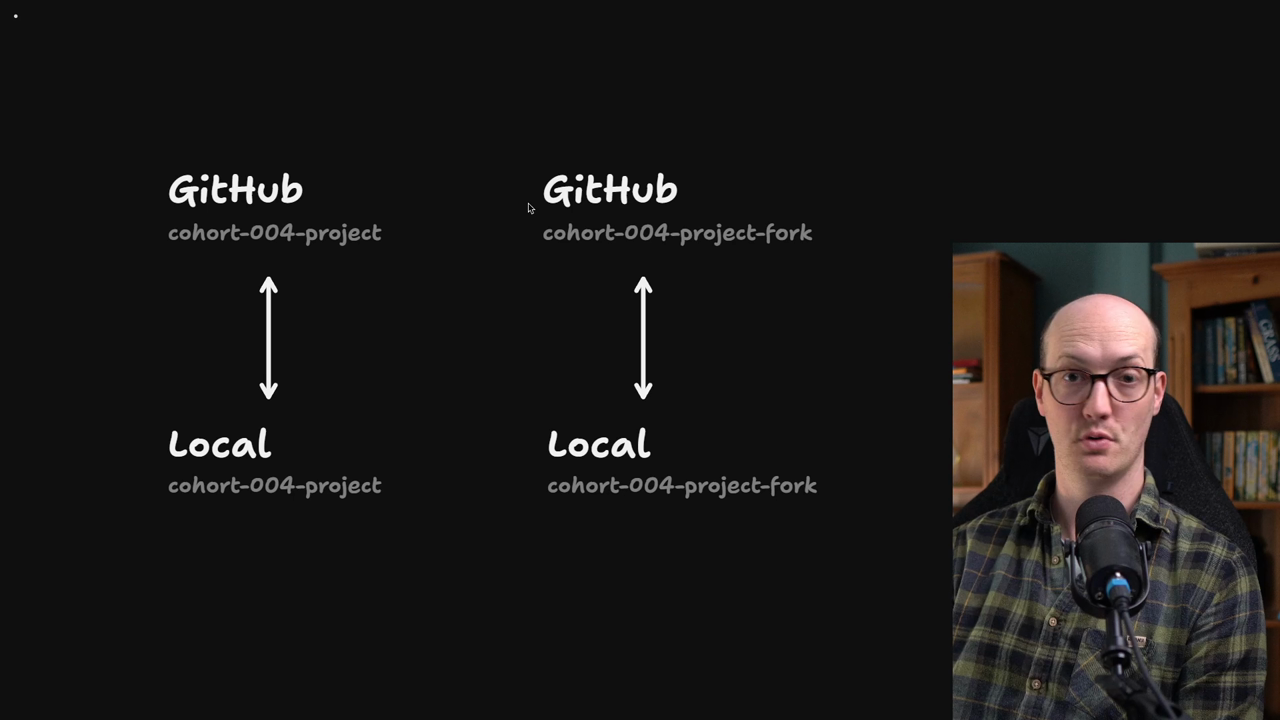
Setting Up Our Repo For GitHub Issues.mp4
Your AFK agent needs a GitHub repository with issues enabled to work as your backlog. The challenge is that you're sharing the course repo with other students, so you can't push issues there.
The solution is to create a fork of the course repository on your local machine, then push it to a new private GitHub repository just for your agent exercises.
Use cd .. to go up one level from wherever you cloned the course repository.
Copy the repo with a new name using cp -r:
cp -r cohort-004-project cohort-004-project-fork
This creates a complete copy including all git history and node_modules.
Navigate into your new directory:
cd cohort-004-project-fork
Delete the .git directory to disconnect from the original repository:
rm -rf .git