Setting Up Claude For The Course.mp4
Now that the repo is fully set up, let's configure Claude for this course.
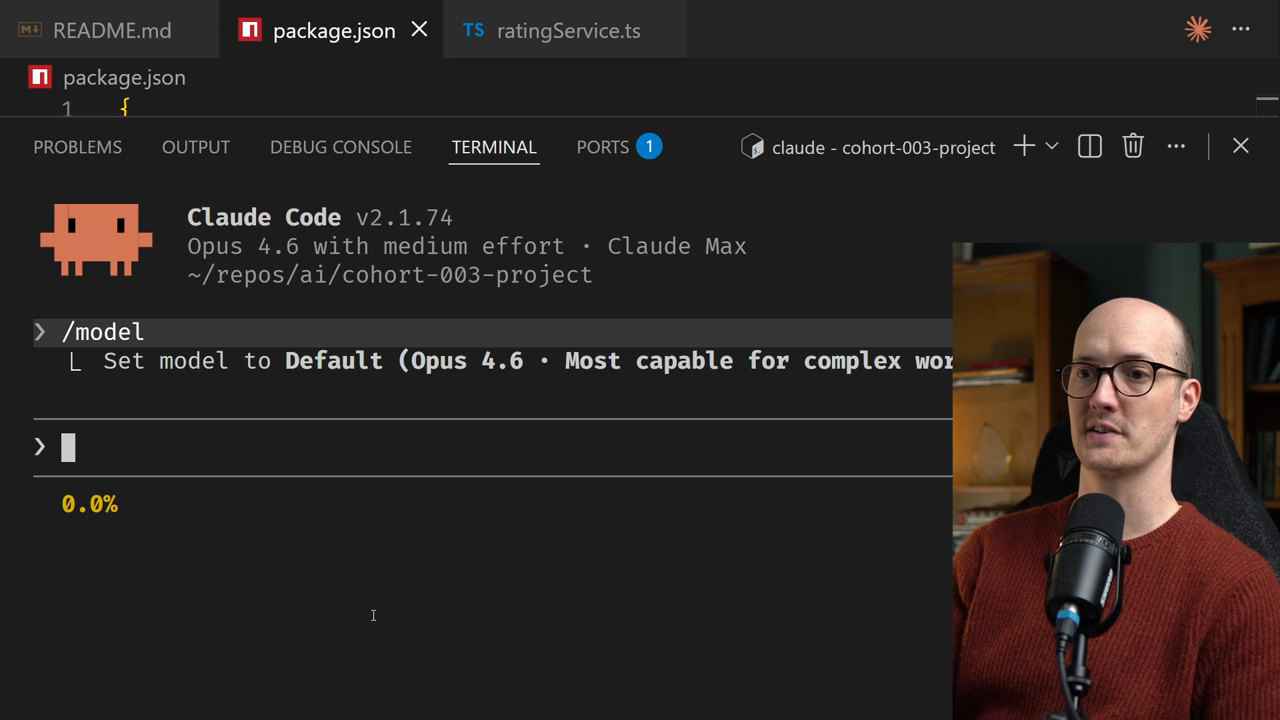
The first question you'll likely have is which model to use. You can select your model by specifying /model and running it to set the model for Claude Code.
The best approach is to go with the defaults, but here's the tricky part: your defaults will differ based on your subscription tier.
<TableWrapper>
| Subscription Tier | Default Model |
|---|---|
| 5X Max | Opus 4.6 |
| Pro | Sonnet 4.6 |
| </TableWrapper> |
Do not use Haiku at any point during this course. While it's fast, it simply isn't capable enough to handle the workflows you'll encounter.
To select your model, you can press enter here and you'll see confirmation:
I also recommend choosing medium effort. You can adjust this left and right for low or high effort options.
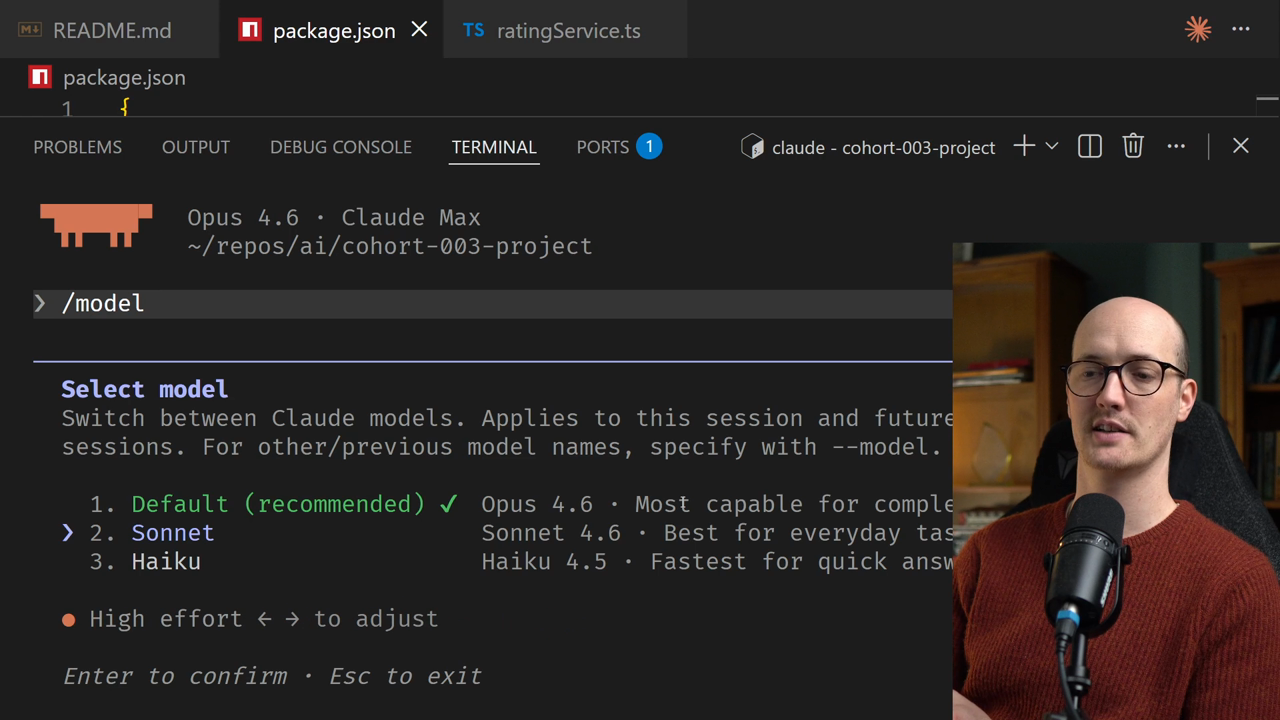
I suggest whatever the defaults suggest. Anthropic has done internal evaluations showing that medium effort works fine for most work.
Your next question will probably be about which subscription to get. You have three main options: